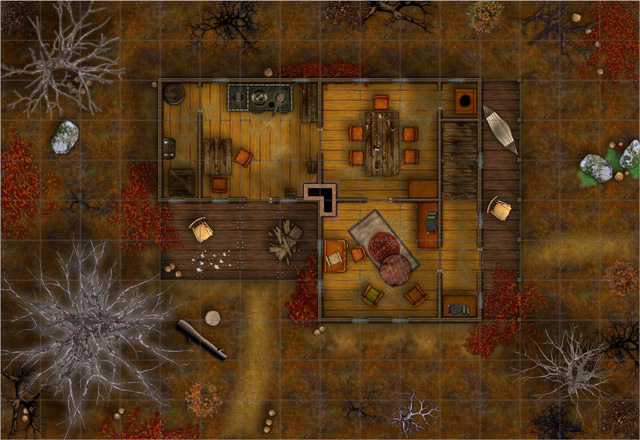
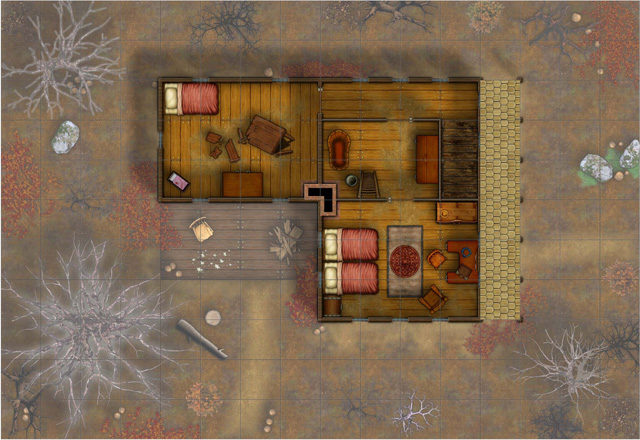
I recently finished my 11-year long AD&D campaign with an epic final boss battle. And a good boss battle obviously need a good battle map.
My group is playing in-person, but we use a Virtual Table Top program displayed on a projection screen for our battles. This allow us to zoom out/in on various area, and have a more flexible approach to the area, but for those that prefer using physical miniatures, printing is of course an option as well.
For this project, I did most of the work in CC3+, but it involves using the VTT software as well (MapTool in my case). I’ll keep this article more an overview of the process rather than diving down into the technical details or making a detailed tutorial, but I invite anyone who has any questions regarding the process to drop by the ProFantasy Community Forums and post their questions there, and I will be happy to help.
Comments Off on Battle Map Planning and Execution
 Many gamers use some kind of digital solution such as virtual table-top software to display maps on a projector or computer screen even when running a local game (as opposed to running a game over the internet, where such software is pretty much required). All of these software solutions have their advantages and disadvantages, but CC3+ itself may actually be a very good solution, depending on your needs. Now, just to start with the limitations, CC3+ don’t have any kind of remote viewing/projecting options, so this do require that you share the screen you are actually working on (This can be a secondary screen/projector that is set up to mirror yours, or it can be done through screen sharing software, which allow others to see your screen even over the internet).